



Remote input lets a customer watch an OSRS service on their own computer. Here is how the connection works and how to choose a clear completion goal.
Parsec keeps the game on the customer’s computer during a supervised remote session.
Remote gaming software is usually introduced as a way to reach another computer. For an Old School RuneScape player arranging a service, the interesting part is the reverse: someone else can help with the game while it continues running on the customer’s machine.
Parsec makes that workflow possible by streaming a host computer’s display and passing approved input back to it. The customer can see the session rather than waiting for a message at the end. Corrupted Gauntlet farming and a Fire Cape completion show why that visibility is useful, and why the result being purchased still needs a precise definition.
The Game Stays on the Host Computer
In a supervised service session, the customer opens OSRS, logs in and approves the agreed remote connection. The assigned player then controls the game on that host. The arrangement avoids sending the game password to the person playing remotely.
That is a useful credential choice, but remote input still requires trust. Parsec shares a desktop, so close private documents, email and password managers before the session. Confirm the person connecting and approve only the access needed for the agreed work.
The distinction also matters for performance. Parsec provides the connection; the host still runs the game. A laptop already struggling with its client settings needs attention before remote play starts. Test the local game first, then test the stream and input.
Check Windows or Mac Hosting First
Parsec supports hosting on compatible Windows and macOS computers. Its current Windows app supports 64-bit Windows 10 and 11. The Mac documentation specifies macOS Catalina 10.15 or newer with Metal support and recommends hardware from 2019 onward. Screen Recording and Accessibility permissions are part of Mac hosting setup.
A supported operating system is one check; the service team approving your particular arrangement is another. Tell support your computer model, operating system and available connection. Run a short screen-and-input test before starting anything valuable or time-consuming.
Keep the host awake and available. A sleeping computer or an interrupted connection can stop a session. Agree on pauses and disconnect handling before the player begins, rather than trying to improvise halfway through a run.
Corrupted Gauntlet Needs a Defined Finish Line
Bald.GG’s Corrupted Gauntlet service with a Parsec option offers manual completions by killcount or a fixed-price enhanced crystal weapon seed package. The latter continues until the specified seed drops. A killcount order finishes at its selected quantity, with ordinary reward rolls along the way.
That choice changes the purchase. Someone who wants another block of attempts has a different target from someone who wants one particular reward. A fixed killcount should not be mistaken for a guaranteed seed or pet.
Watching the session helps the customer follow runs and rewards, but it does not change the order’s scope. Ask what happens after the last purchased completion, which milestones are reported and whether any additional task is included.

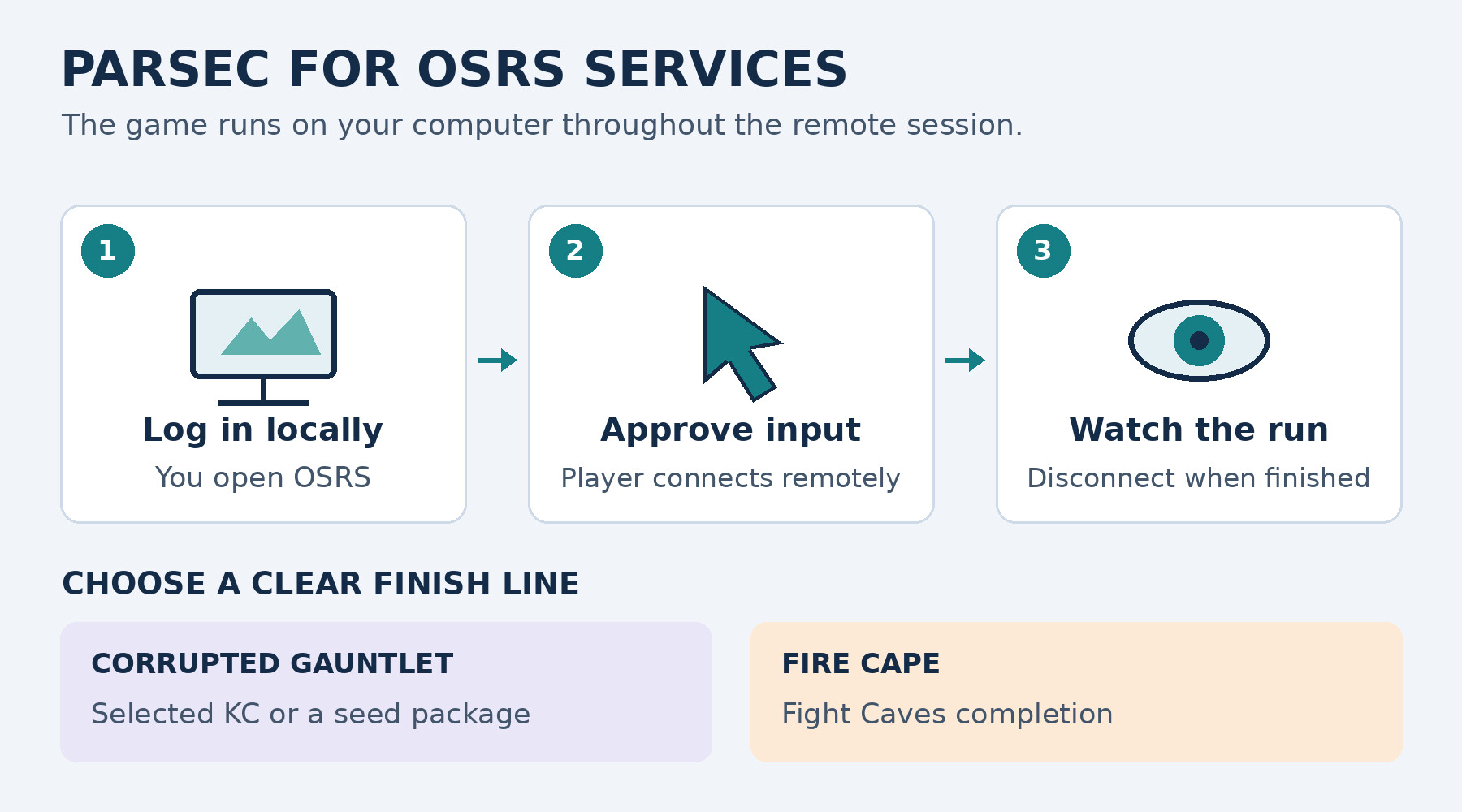
Log in locally, approve remote input and agree on the exact CG or Fire Cape goal.
A Fire Cape Order Targets One Completion
The Bald.GG Fire Cape completion options cover the Fight Caves for mains and pures, using login or Parsec delivery. For this order, the central goal is completing the encounter and receiving the cape.
A customer should give the team accurate Ranged, Prayer, weapon and build information. Account restrictions matter, especially on a pure. The quote and preparation agreement should reflect the actual account, including the equipment and consumables available for the attempt.
A useful first message is specific: the desired completion, the account setup, the requested connection method and a practical time window. Those details make scheduling easier and reduce the chance that missing preparation holds up the session.
Remote Delivery Has Its Own Price
The published Parsec premium is 50% for Corrupted Gauntlet and 30% for Fire Cape orders. Compare the configured totals for each service separately. Account selections and other adjustments can also affect the final price.
Consider what you value about the remote arrangement. Keeping the game on your computer and watching progress may justify the premium for you. It also means keeping that computer available for the agreed period. A brief completion and a longer farming order demand different scheduling commitments.
A Practical Session Checklist
- Make sure OSRS runs comfortably on the host computer.
- Ask support to confirm the host, account setup and requested outcome.
- Review the final quote, supplies and interruption terms.
- Approve the connection and test screen visibility and input.
- Close sensitive applications and keep the host awake.
- Confirm delivery, disconnect the session and take control back.
The strongest reason to consider Parsec is visibility: the customer can see the work on the machine they already use. Combined with a clear agreement about the reward or completion, it makes the service easier to follow from setup to finish.
This article explains the published workflow rather than reporting a completed test order. Would you prefer watching every run or receiving milestone updates? Share the setup that would suit your next OSRS goal.