
Video creation was once defined by steep technical entry barriers. For decades, transforming raw camera files into a polished narrative required mastery over complex nonlinear editing (NLE) software, deep knowledge of color science, manual audio engineering, and hours spent cutting timeline tracks frame by frame.
The digital media landscape has shifted dramatically. Driven by the rapid proliferation of short-form social content, corporate video demands, and personal brand building, the volume of video required across platforms has surged exponentially. To keep pace, video editing workflows are undergoing a fundamental transformation powered by artificial intelligence.
At the center of this shift is the convergence of Large Language Models (LLMs) and intuitive video editing suites. Modern creators no longer start every project on a completely blank multi-track timeline. Instead, they leverage intelligent assistants that analyze raw media, interpret high-level creative direction, and construct fully editable rough drafts in seconds.
The Shift from Manual Trimming to Natural Language Workflows
Traditional video editing is an inherently manual process. Editors spend an estimated 60% of their project time doing administrative baseline work: ingesting footage, watching clips to identify usable takes, manually trimming out silences or awkward pauses, building assembly cuts, and generating basic captions.
AI-assisted editing flips this model on its head by moving from manual keystrokes to intent-driven editing. Rather than performing dozens of precise mouse clicks to trim a single clip, creators can interact with their software using plain human language.
This structural shift relies on several key technological advances:
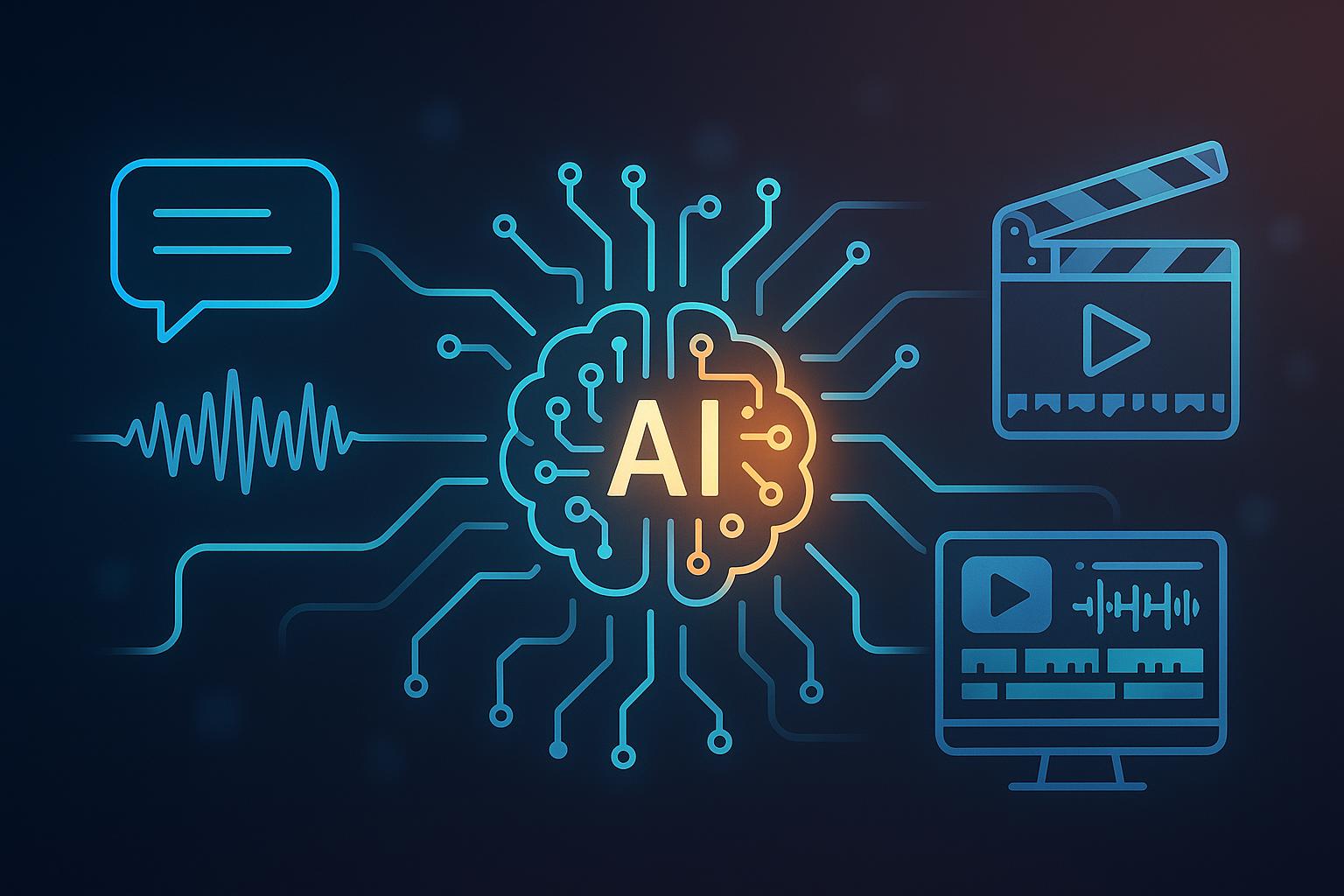
- Multimodal Understanding: Modern AI models can process visual frames, audio waveforms, and spoken transcripts simultaneously. This enables systems to detect camera angles, evaluate visual framing, identify speakers, and recognize speech patterns without manual tagging.
- Contextual Storyboarding: Instead of taking prompts literally, LLMs contextually map narrative arcs. When asked for an “engaging 30-second product teaser,” the AI understands how to organize an hook, feature breakdown, and call to action automatically.
- Automated Timeline Assembly: Rather than returning flat, pre-rendered video files that cannot be adjusted, modern AI tools output structured timeline projects. Every generated element—cuts, overlays, audio tracks, and text—remains fully editable by human hands.
How AI Agents Accelerate the Rough-Cut Phase
In any editing project, the transition from raw footage to the initial rough cut represents the biggest bottleneck. Creators often procrastinate when faced with hours of unstructured media files.
AI-driven video tools solve this friction by acting as digital assistant editors. By pairing language models with timeline engines, creators can delegate the initial heavy lifting while retaining complete artistic control.
For instance, modern creative suites allow creators to upload raw video clips directly alongside descriptive text prompts. Using a specialized AI picture generator, creators can specify target durations, preferred visual styles, pacing, and story priorities. The assistant evaluates the media, trims away silent pauses or misspoken lines, arranges key moments in logical sequence, and populates an editable timeline within the browser or desktop software.
Rather than replacing human creativity, this dual-layer structure enhances it. The AI agent generates a functional structure, allowing the human editor to skip tedious setup work and immediately focus on creative decisions—such as fine-tuning narrative pacing, picking background music, and perfecting color grading.
Key Capabilities Modern AI Video Tools Bring to Creators
As generative and agentic AI tools mature, their feature sets have expanded far beyond simple auto-captioning. Contemporary workflows combine several discrete AI functions into unified editing environments:
1. Intelligent Footage Selection and Rough Assembly
When working with hours of interview footage or vlogging B-roll, identifying the best takes is time-consuming. Natural language tools can ingest video transcripts, spot thematic highlights, select high-clarity spoken segments, and automatically organize them chronologically or by topic.
2. Context-Aware Template and Asset Matching
Finding suitable motion graphics, stock overlays, or sound effects often breaks creative momentum. Advanced editor integrations can parse the content of your video draft and suggest matching lower-third titles, contextual visual elements, or background audio tracks from extensive asset libraries.
3. Track-Based Auto-Captions and Dubbing
Captions are no longer optional—over 80% of mobile social video is consumed with the sound off. Modern speech-to-text models generate precise, word-level synchronized captions in dozens of languages. Advanced tools offer track-based caption controls, allowing editors to modify font typography, dynamic animation beats, and on-screen positioning without re-rendering the whole sequence.
4. Smart Reframing and Multi-Format Optimization
Publishing across YouTube, TikTok, Instagram Reels, and LinkedIn requires adapting standard 16:9 widescreen footage into 9:16 vertical and 1:1 square aspect ratios. AI-driven auto-reframing tracks the primary visual subject—whether a speaker’s face or a moving object—and keeps it centered automatically across format changes.
Best Practices for Integrating AI into Video Production
While AI tools dramatically compress editing turnaround times, relying entirely on automated output can lead to generic, predictable results. To produce professional-grade video content, creators should adopt a balanced, human-in-the-loop workflow.
| Production Stage | AI Responsibility | Human Editor Responsibility |
| Ideation & Scripting | Outlining narrative structures, generating voiceover scripts, creating storyboards. | Establishing creative voice, verifying facts, ensuring brand alignment. |
| Assembly & Rough Cut | Trimming silences, organizing clip sequence, generating draft timelines. | Selecting emotional takes, setting overall rhythm, adjusting cut points. |
| Enhancement & Polish | Auto-generating captions, matching stock assets, auto-reframing formats. | Customizing typography, fine-tuning audio mix, finalizing color balance. |
Practical Guidelines for Success:
- Be Specific in Natural Language Prompts: When guiding an AI assistant, vague commands yield average results. Instead of prompting “Make a promo video,” specify tone, audience, pacing, and target length: “Create a fast-paced 45-second Instagram Reel highlighting key product features from the uploaded clips, using punchy cuts and dynamic text overlays.”
- Treat AI Output as a Starting Draft: Never view an AI-generated timeline as a finished product. Use the generated sequence to eliminate blank-canvas paralysis, then actively adjust frame timing, swap generic stock footage for authentic clips, and refine audio transitions.
- Prioritize Audio and Typography Clarity: Complex visual effects rarely save a video with poor audio or illegible text. Use AI noise-reduction and auto-leveling features to clean voiceovers, and keep caption styles readable against dynamic backgrounds.
The Future of Visual Storytelling
The synthesis of conversational AI and timeline video editing represents one of the most practical applications of artificial intelligence in modern creative industries. By transferring repetitive timeline preparation, media sorting, and initial assembly tasks to intelligent agents, video creation becomes faster, more accessible, and significantly less tedious.
As these technologies continue to mature, the boundary between writing a concept and seeing it assembled on an active editing timeline will become increasingly seamless. For digital marketers, solo creators, educators, and enterprise teams alike, mastering these hybrid AI-human workflows is no longer just a shortcut to higher output—it is becoming the baseline standard for competitive visual storytelling.